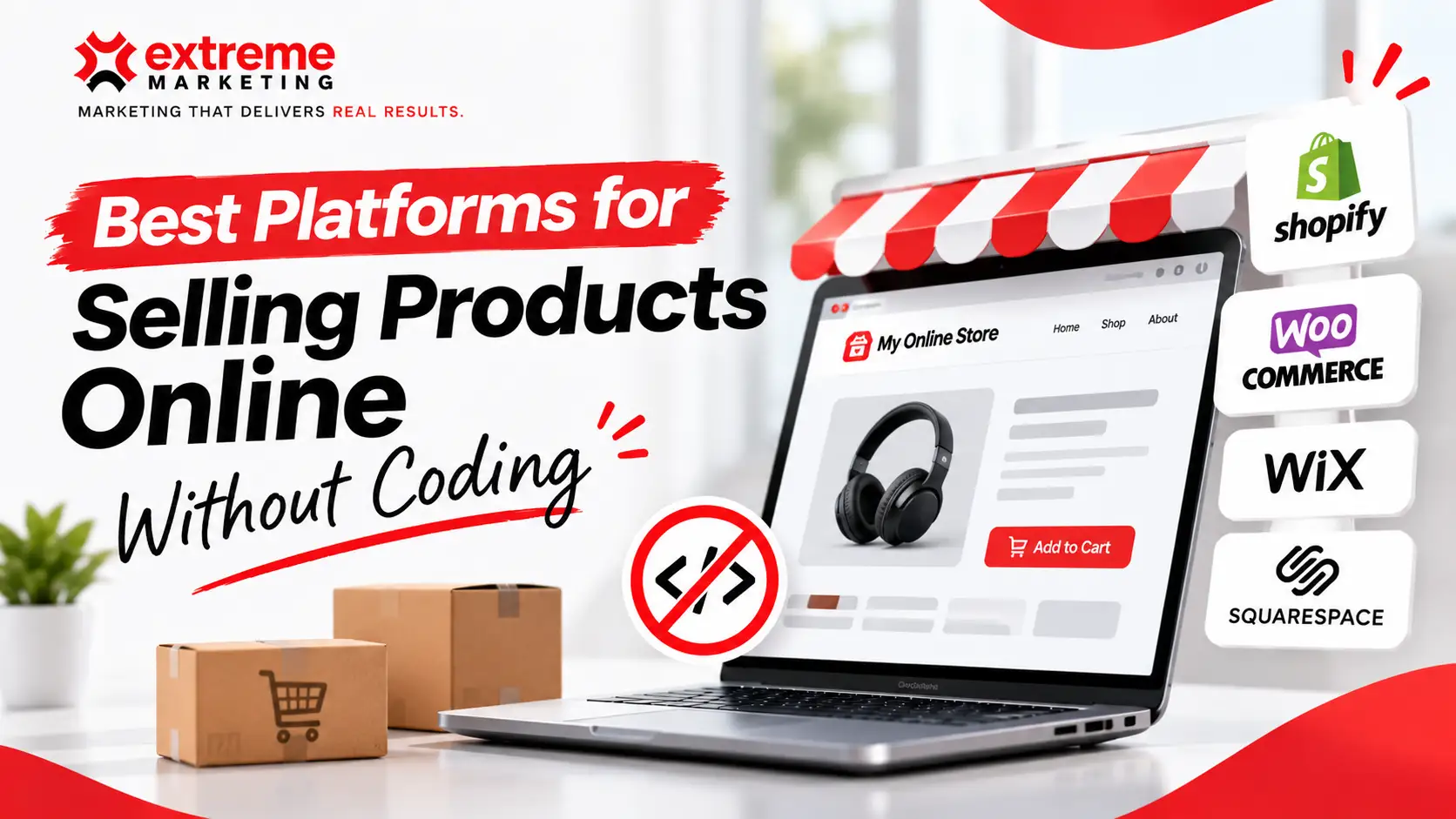
You don’t need a developer to start selling online. You need products, photos, a way to take payment and somewhere to send people. Plenty of platforms will handle the rest.
The tricky bit is picking one that fits now and doesn’t box you in later. Here’s an honest look at the main options for Australian small businesses.
Note: Platform pricing changes often. Check each provider’s current Australian pricing before you commit.
The quick answer
- Want a proper online store that can grow? Shopify.
- Already have a website on Wix or Squarespace? Use their built-in store.
- Selling handmade or vintage items? Etsy to start.
- Selling in person as well as online? Square Online.
- Want to test demand with almost no setup? Marketplaces like eBay or Amazon.
Now the details.
Shopify
Shopify is the default choice for a reason. It’s built for selling, and almost everything you’ll need is either included or a click away in its app store.
Good for: product businesses planning to grow, brands that want a professional store, anyone selling a lot of products.
Strengths: solid checkout, good inventory tools, integrations with Australia Post and Sendle, Afterpay and Zip support, and thousands of themes and apps.
Watch out for: app costs creep up. Many expected features are paid add-ons, and monthly bills often end up well above the plan price.
If you’re weighing up Shopify against a custom build, our guide on Shopify vs a custom ecommerce website covers when each makes sense.
Wix
Wix is a general website builder with e-commerce bolted on. It’s very easy to use and gives you lots of design freedom.
Good for: service businesses that sell a few products, small catalogues, people who want to design visually.
Strengths: drag-and-drop editor, decent templates, everything in one place.
Watch out for: it’s harder to scale a large catalogue, and moving off Wix later isn’t simple. If you’re tempted to let AI do the design work, read can AI actually build you a website first.
Squarespace
Squarespace is known for clean, design-led templates. Its commerce features are good enough for many small brands.
Good for: creatives, boutique brands, small product ranges where looks matter.
Strengths: polished templates, simple setup, and a good content-and-selling experience.
Watch out for: fewer integrations than Shopify and less flexibility with checkout.
WooCommerce
WooCommerce runs on WordPress. It’s free to install, but you’ll pay for hosting, a theme and often plugins.
Good for: people who already have a WordPress site and are comfortable managing it.
Strengths: huge flexibility, you own everything, no platform transaction fees.
Watch out for: this is the least “no code” option on the list. Updates, security and plugin conflicts are your problem. Many owners end up hiring help anyway.
Square Online
Square Online is free to start and connects directly to Square’s point-of-sale system.
Good for: cafes, retailers and market stallholders who already use Square in person.
Strengths: one inventory for shop and online, simple setup, low upfront cost.
Watch out for: limited design and features as you grow.
Etsy, eBay and Amazon
Marketplaces give you access to buyers who are already shopping. You don’t need a website at all.
Good for: testing products, handmade and niche items, building early sales.
Watch out for: fees on every sale, little control over branding, and the customer belongs to the marketplace, not you. Most businesses use these alongside their own store rather than instead of one.
How to choose
Ask yourself four questions:
- How many products will you sell in a year’s time? A handful suits Wix or Squarespace. Hundreds point to Shopify.
- Do you sell in person too? If yes, take a close look at Square or Shopify POS.
- How much do you care about design? Squarespace and Wix give the most visual control without code.
- What will it cost all up? Add the plan, transaction fees, apps and payment processing. Small monthly costs add up quickly once you’re paying for five or six apps.
Don’t forget about being found
A store nobody visits doesn’t sell anything. Whichever platform you pick, you’ll need product pages written for real searches, fast load times on mobile and a plan for traffic.
When no code stops working
These platforms are brilliant for getting started. You’ll usually know you’ve outgrown them when:
- App subscriptions cost more than a custom solution would.
- You need a checkout, pricing or product setup the platform won’t allow.
- You’re doing manual work every day because systems don’t talk to each other.
That’s when it’s worth looking at a custom website. We help ecommerce businesses make that jump, and if you’re still deciding how much to invest in a site, do you still need a website in 2026 is worth a read.
FAQ
What is the easiest way to sell products online without coding?
Shopify, Wix and Squarespace are all drag-and-drop. Shopify is the strongest for growth, while Wix and Squarespace suit small catalogues.
Can I sell online without a website?
Yes. Etsy, eBay, Amazon and Facebook or Instagram Shops let you sell without your own site, though you’ll pay fees and won’t own the customer relationship.
Which platform is cheapest in Australia?
Square Online has a free plan, but the cheapest option depends on your sales volume, transaction fees and the apps you need. Work out the full monthly cost before deciding.
[H3] Do I need a developer later?
Often, yes, once you’re growing. Many businesses start on a no-code platform and bring in a developer for custom features or a rebuild.

Web & App Development Lead
Mark combines strong technical expertise with a sharp eye for design. With more than five years of experience in website and application development, he has led a wide range of successful digital projects—turning ideas into websites and applications that look great, work smoothly, and support real business goals.