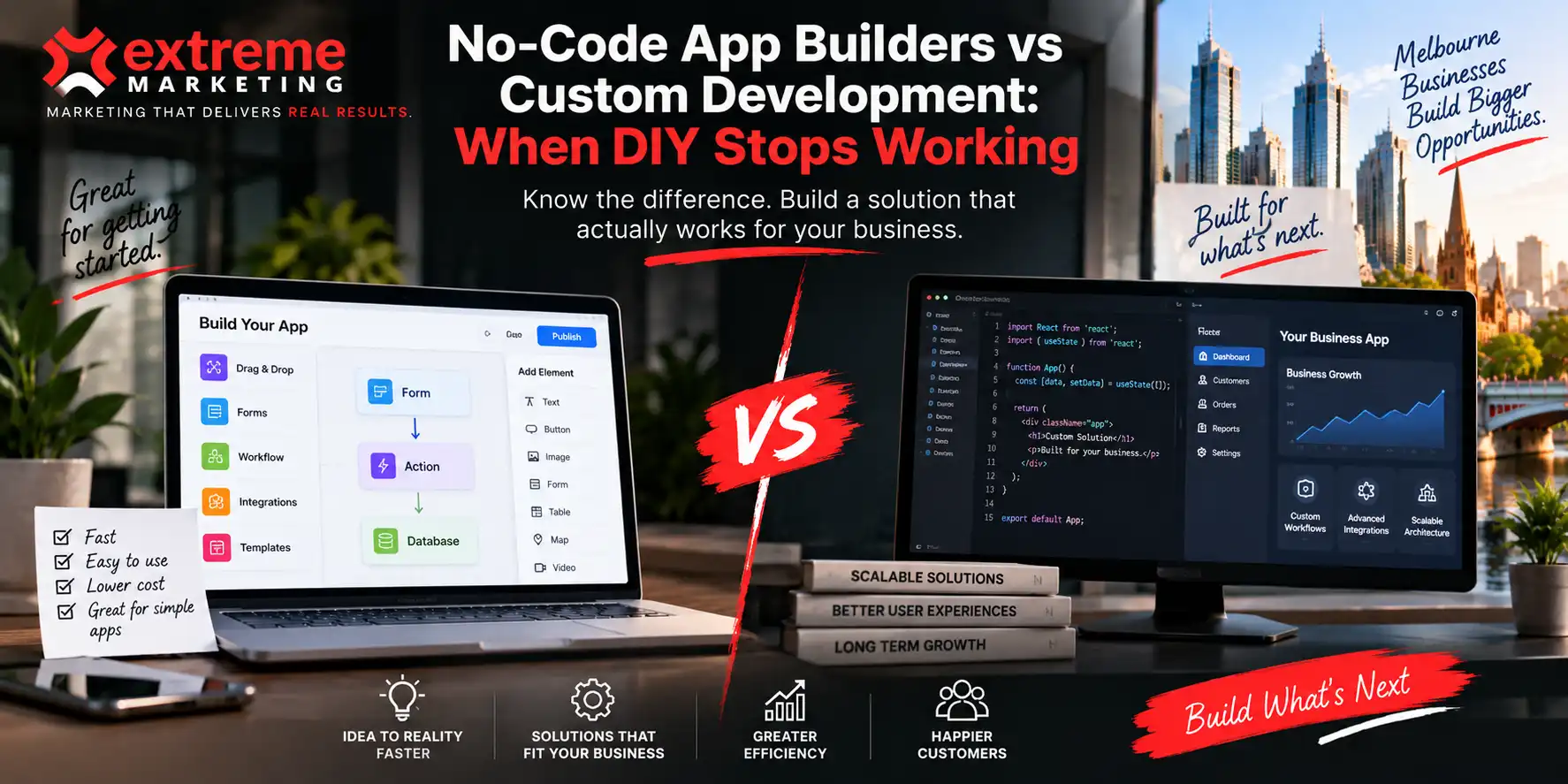
There has never been a better time to build a simple app.
You can start with a template, connect a few tools, create forms, automate tasks and have something working without hiring a development team.
For a small business, that can be incredibly useful.
You might build an internal booking tool, a simple customer portal or a basic workflow app without spending months or a huge budget.
The problem starts when the business grows.
Suddenly the app needs to do more.
It needs to connect with your existing systems. It needs different user permissions. It needs to handle more customers. It needs to work in a very specific way.
That is usually when the question changes from:
“Can we build this ourselves?”
“to: “Should we still be building this ourselves?”
What are no code app builders good at?
No code platforms are useful when the problem is relatively straightforward.
They can be a great option for:
- Simple internal tools
- Basic forms and workflows
- Prototypes
- Proof of concept apps
- Simple customer portals
- Basic booking systems
- Testing an idea before investing heavily
- Automating repetitive tasks
The biggest advantage is speed.
You can test an idea without committing to a full development project.
That matters for small businesses.
If you are still figuring out whether customers will actually use an app, spending heavily on custom development from day one may not make sense.
But there is a difference between proving an idea and building the final product.
Where DIY app development starts to struggle
The warning signs usually appear gradually.
At first, the workaround is easy.
Then another workaround gets added.
Then another.
Eventually you have a system that technically works, but nobody really wants to touch.
That is when DIY can become expensive.
1. Your workflows are no longer simple
A no code builder works well when your processes fit the platform.
But what happens when they do not?
Maybe your business has a complicated approval process.
Maybe different customers need different experiences.
Maybe certain information needs to trigger different actions depending on the user.
You can sometimes work around these problems.
But every workaround adds complexity.
At some point, the platform is shaping your business process instead of supporting it.
2. You need systems to talk to each other
This is one of the biggest reasons businesses move towards custom development.
Your app might need to connect with:
- Your CRM
- Accounting software
- Payment systems
- Inventory
- Customer databases
- Booking platforms
- Internal systems
- External APIs
Basic integrations can be relatively straightforward.
More complicated integrations are another story.
If your business depends on information moving accurately between several systems, the quality of that connection matters.
A custom application can be designed around those requirements rather than forcing your workflow into whatever integrations happen to be available.
3. Your users need something different
Templates are useful because they are designed to work for lots of businesses.
That is also their limitation.
Your customers are not necessarily using your business in the same way as everyone else.
You might need a specific dashboard.
A particular ordering process.
Different account types.
Custom permissions.
A unique reporting system.
Or a completely different customer journey.
When your application becomes an important part of how customers interact with your business, the user experience starts to matter a lot more.
That is where custom development can give you much more control.
4. The app has become critical to the business
This is a big one.
If the app is just a useful internal tool, a no code platform might be perfectly fine.
If the app becomes the thing your team uses every day to run the business, the calculation changes.
“What happens if this system stops working tomorrow?”
If the answer is: “We lose a little time.” DIY might still be fine.
If the answer is: “We cannot take orders, service customers or operate properly.” Then it deserves a much closer look.
Your technology should be treated like part of the business infrastructure it has become.
Custom development gives you control
Custom development does not automatically mean bigger, better or more expensive.
It means the application is built around your requirements.
With custom web app development services, you can design the system around the way your business actually operates.
That can include:
- Custom functionality
- Bespoke user experiences
- Advanced permissions
- API integrations
- Business specific workflows
- Custom dashboards
- Scalable architecture
- More control over data
- Greater flexibility as requirements change
The important word is control.
You are not simply choosing what the platform allows you to build.
You are defining what the application needs to do.
When should you move from no code to custom?
There is no magic customer number or revenue figure that tells you it is time.
Look at the problem instead.
Custom development becomes worth investigating when:
Your workarounds are becoming the system
If your team has developed a complicated collection of hacks, spreadsheets, manual processes and platform workarounds, it may be time to step back and redesign the workflow properly.
Your app is slowing the team down
Technology should remove friction.
If employees are spending more time managing the application than using it, something needs to change.
You need functionality the platform cannot provide
If the feature you need does not exist and the workaround is becoming increasingly complicated, custom development may be the more practical path.
Your customers expect a better experience
If the application is customer facing, limitations become much more visible.
A smoother, faster and more intuitive experience can become an important part of the overall customer journey.
You are worried about future growth
Building something quickly is useful.
Building something that becomes difficult to change is not.
If you already know the business will need additional functionality, it is worth considering how the technology will handle that growth before the limitations become a problem.
DIY versus custom development
| Factor | No Code App Builder | Custom Development |
| Initial setup | Usually faster | Requires planning |
| Upfront cost | Often lower | Usually higher |
| Flexibility | Depends on platform | Built around requirements |
| Integrations | Depends on available connections | Can be developed around specific systems |
| User experience | Platform limitations may apply | Fully customisable |
| Complex workflows | Can become difficult | Designed for the workflow |
| Scalability | Depends on platform | Architecture can be planned around growth |
| Maintenance | Platform dependent | Managed around the application |
| Control | Limited by platform | Greater control |
Neither option is automatically right for every business.
The question is whether the technology fits the problem.
Do not build custom just because you can
There is another side to this conversation.
Custom development is not automatically the answer.
If you need a basic form and a simple workflow, spending heavily on a bespoke application could be unnecessary.
The goal should not be to replace no code tools.
The goal should be to know when they have stopped being the right tool for the job.
A good development strategy might even use both.
A business could use no code tools to test an idea, learn what customers need and validate the workflow before investing in a custom application.
That can make the eventual development project much clearer.
The real cost of DIY
The price of a no code platform is easy to see.
The hidden cost is harder to measure.
Consider the time your team spends:
- Fixing workarounds
- Entering information manually
- Moving data between systems
- Explaining confusing processes
- Managing duplicate records
- Waiting for limitations to be resolved
- Training new staff around a complicated system
If those costs keep increasing, the “cheap” solution may no longer be cheap.
That is why the right comparison is not simply:
No code subscription versus development cost.
It is: What will this system cost the business over the next few years?
Build the technology around the business
The best application is not necessarily the one with the most features.
It is the one that solves the right problem without creating five new ones.
For some businesses, that means staying with a no code platform.
For others, it means moving to a custom web development company that can build something around their processes, customers and future requirements.
The important thing is knowing which situation you are in.
If your app is starting to feel like a collection of compromises, that is usually worth investigating.
Frequently Asked Questions
Is no code development good for small businesses?
Yes. No code tools can be useful for testing ideas, building simple workflows and creating internal tools without a large development project.
When should a business consider custom app development?
When the application has become difficult to maintain, requires complex functionality, needs important integrations or has become critical to daily operations.
Is custom development more expensive?
It can require a larger initial investment, but the right comparison should include the ongoing cost of workarounds, manual processes, platform limitations and future changes.
Can you start with no code and move to custom development later?
Yes. Testing an idea with a no code platform can help a business understand its requirements before committing to a custom application.
What are custom web app development services?
They involve designing and developing an application around the specific requirements, workflows, users and systems of a business rather than relying entirely on a pre built platform.
DIY is useful. Knowing when to move on is better.
No code app builders have made it easier for businesses to experiment with technology.
That is a good thing.
But once your application becomes an important part of how the business operates, the limitations of the platform can start becoming limitations for the business itself.
If your team is constantly working around the technology rather than using it to work better, it may be time to look at a different approach.
Extreme Marketing can help businesses assess the right technology approach, from simple digital tools through to custom web application development.

Web & App Development Lead
Mark combines strong technical expertise with a sharp eye for design. With more than five years of experience in website and application development, he has led a wide range of successful digital projects—turning ideas into websites and applications that look great, work smoothly, and support real business goals.